Add sources
Use the Add Source page to register a new video or stream source for processing.
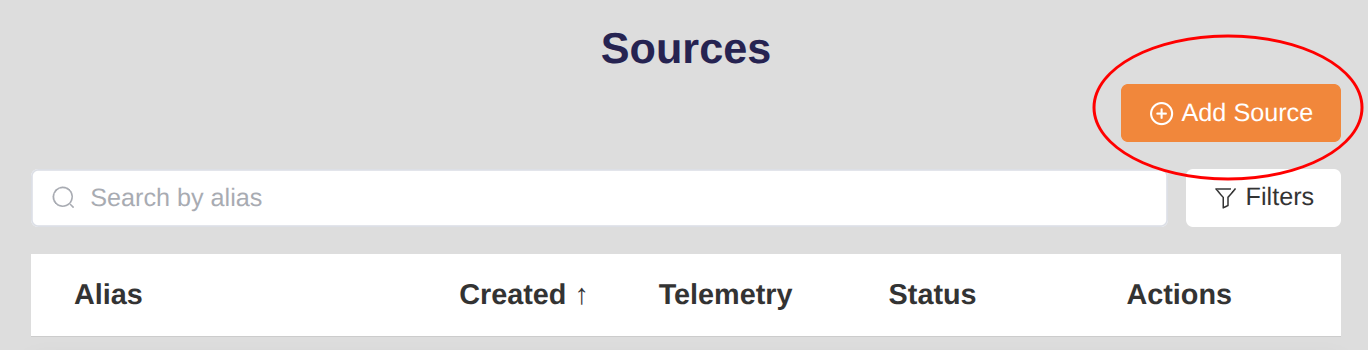
From the Home page, click +Add Source to open the multi-tab form.
The page provides three tabs— Stream, Video, and FlightHub —depending on the type of source you want to add.
Add new Stream source
Use this tab to add a live stream (e.g., RTSP) as a source.
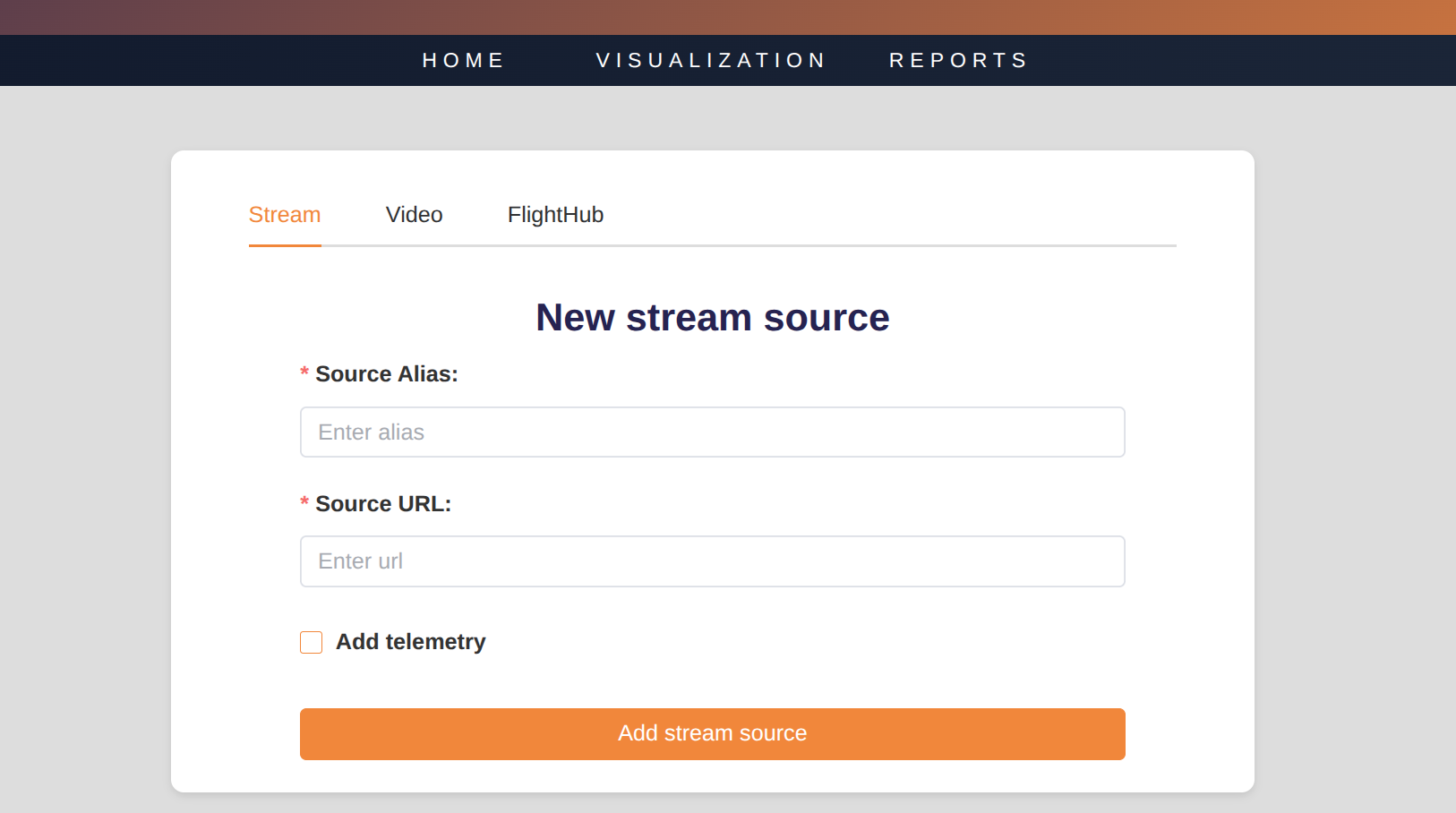
- Enter a Source Alias – A user-friendly name to identify the stream.
- Enter Source URL – The network URL (e.g., rtsp://camera-ip/...).
Info
The Alias identifies the source in the Sources list on the Home page.
Notes on hosted streams
When providing a URL for your stream, you can use:
- Custom RTMP input – your own infrastructure or broadcasting tools.
- Sense Aeronautics Hosted Stream – push the stream to the platform endpoint:
rtmp://media.senseaeronautics.com/path/to/your/stream
For DJI drones, see DJI Livestream setup.
Adding telemetry
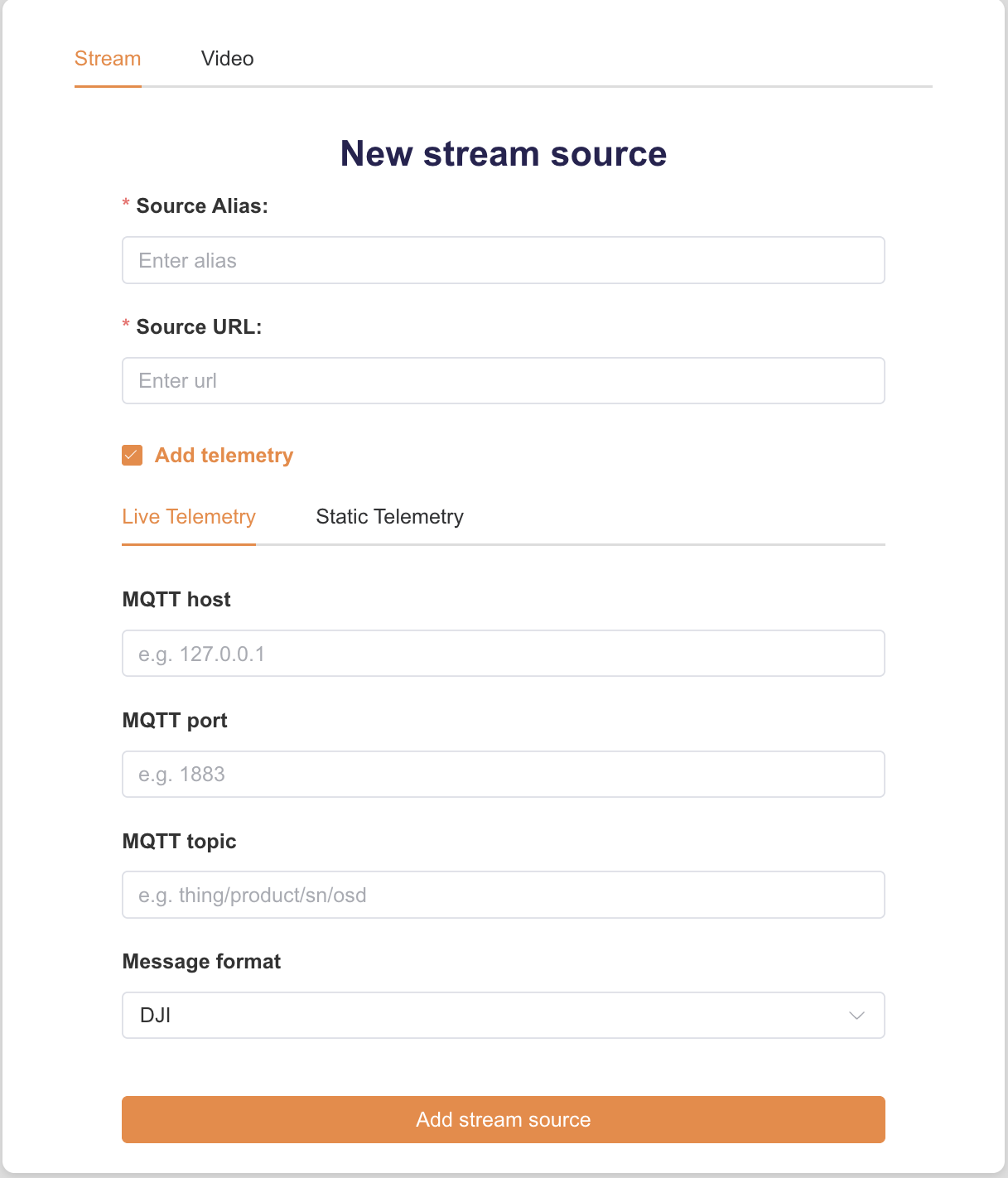
If your stream includes telemetry information, you can enable it to optimize processing and track drone location. Check Add telemetry and select the desired mode: Live Telemetry or Static Telemetry.
Live telemetry
The telemetry must be provided through an MQTT broker. Input the required params:
Info
For details on the supported format for your telemetry stream, see Telemetry integration.
Static telemetry
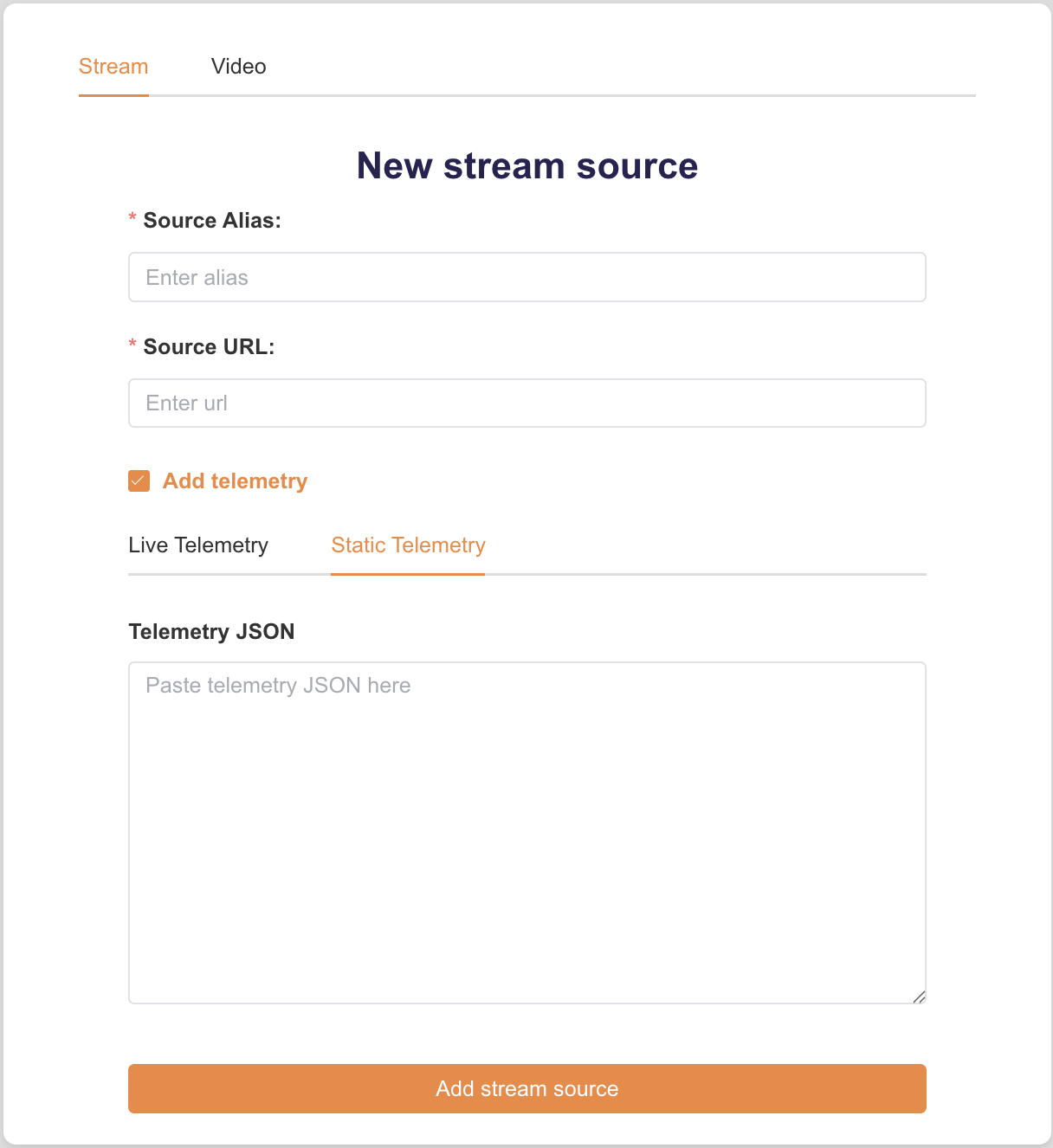
Use static telemetry when the camera parameters are known beforehand and do not change during the stream (e.g., fixed cameras). The values are applied to the whole stream.
Paste a JSON object with the telemetry fields in the Telemetry JSON box. For example:
{
  "sensor_hfov": 90.0,
  "sensor_vfov": 60.0,
  "latitude": 41.3851,
  "longitude": 2.1734,
  "altitude": 150.0,
  "rel_altitude": 30.0,
  "camera_yaw": 0.0,
  "camera_pitch": -45.0,
  "camera_roll": 0.0
}
sensor_hfovandsensor_vfovare always required.- The rest of the fields are required to estimate the GPS coordinates of detections.
Info
Paste only the telemetry fields, not the whole telemetry_cfg object used by the API. See Telemetry fields for a description of each field and Static telemetry for the API equivalent.
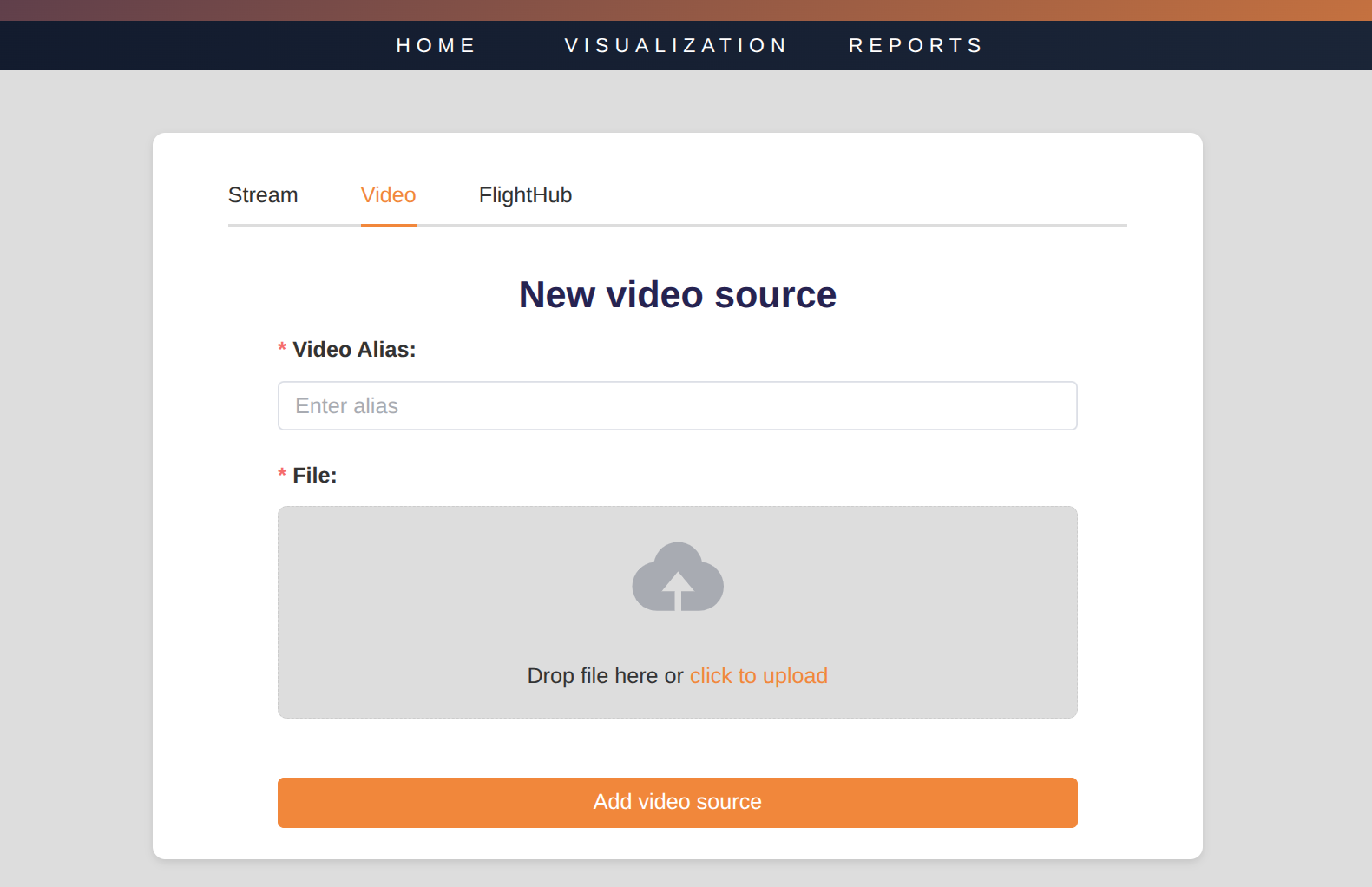
Add new Video source
Use this tab to upload a video file for processing.
- Enter a Video Alias – a friendly name for the file.
- Drag & drop a video file or click to browse. Only one file is allowed per source.
- Click
Add video sourceto upload and register the file.
Note
You can not upload videos larger than 500Mb in size, and the total quota for your videos is of 10 Gb. Should you require a larger quota or to upload larger files, contact with support@senseaeronautics.com.